Sometimes you want to show how to use a product in a blog post, or send a funny animated GIF to a group chat. But video editing software is complicated, and apps often add a watermark.
EasyCVT GIF Maker is a free online tool that turns a handful of photos into a GIF right away.
Main features
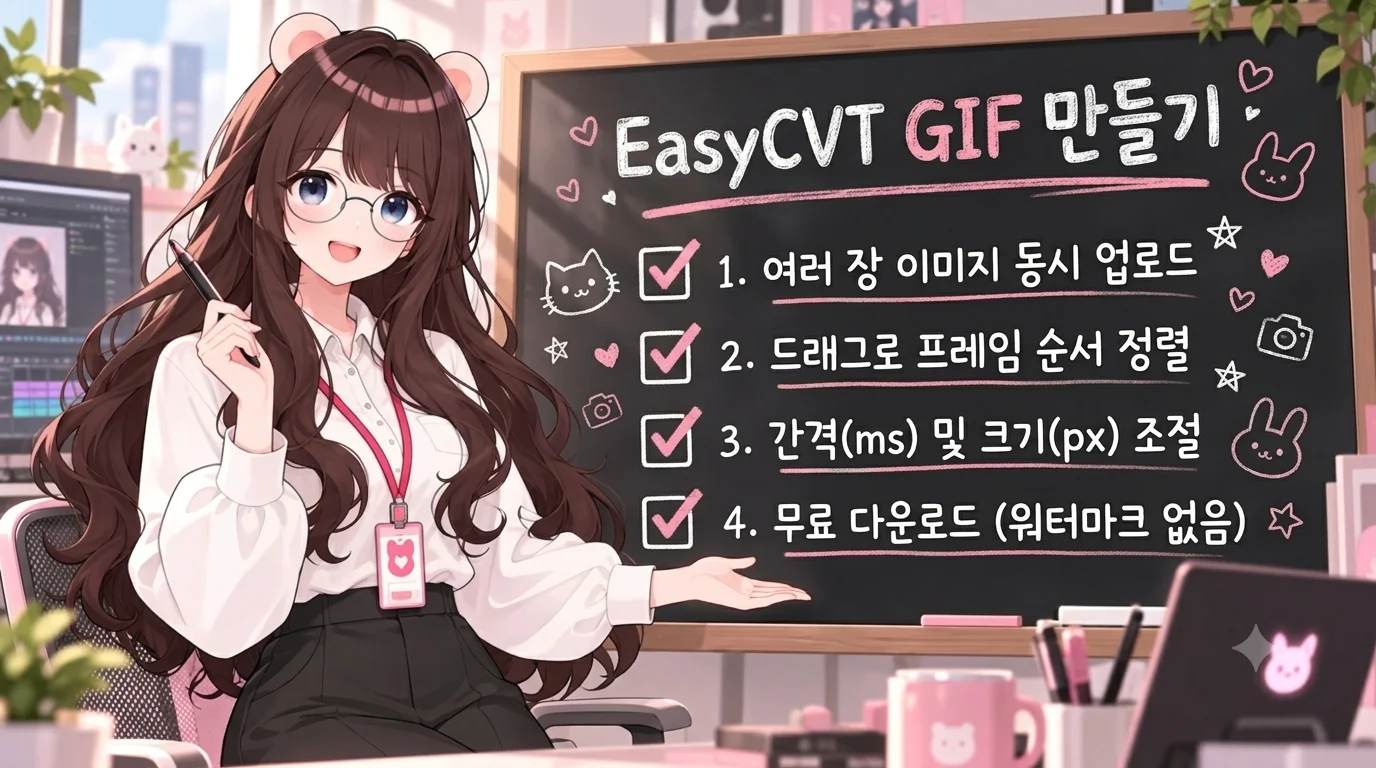
- Upload many images at once (JPG, PNG, WebP)
- Drag to change the frame order
- Frame interval (ms): the smaller the number, the faster the playback. 200 to 500 ms is recommended
- Output width (px): the height adjusts automatically to the aspect ratio of the first image
- Processed in the browser, nothing is sent to a server
How to use
- Click to select images, or drag and drop them.
- Drag them into the order you want.
- Set the frame interval and output width.
- Press "Make GIF" and wait until it finishes.
- Save it with "Download GIF".
Ways to use it
- Blog reviews: unboxing, assembly and the finished product in a single GIF
- How-to guides: app or program screenshots strung together in order
- Social media and messengers: a fun GIF from burst photos
- Before and after: a comparison image that alternates between two photos
Tips for a clean result
- If all photos share the same aspect ratio, nothing gets cropped and it looks natural. The height follows the first image, so put your main photo first.
- For blog use, an output width of about 600 to 800 px gives a good balance of file size and quality.
- For explanatory GIFs, an interval of 500 ms or more makes it easier for viewers to follow.